
Alamosa County VINELink Coverage
Colorado runs its VINE program under the name COVINE. The service is free and works around the clock. Anyone can check custody status through VINELink or by calling 1-888-263-8463. Both English and Spanish are supported. State legislative material credits the County Sheriffs of Colorado with running the system. County booking systems supply its data.
That statewide reach does not cover every jail. Neither the Alamosa County Sheriff's Office page nor the county jail page confirms local participation. Test the Colorado facility selector. Look for Alamosa County Sheriff or the county detention facility. If it is missing, call 719-589-6608. A no-result can mean release, a transfer, or a spelling mismatch. It can also mean a booking too new to post, or custody in a different system.
The VINELink service home page is the recognized starting point for the search.
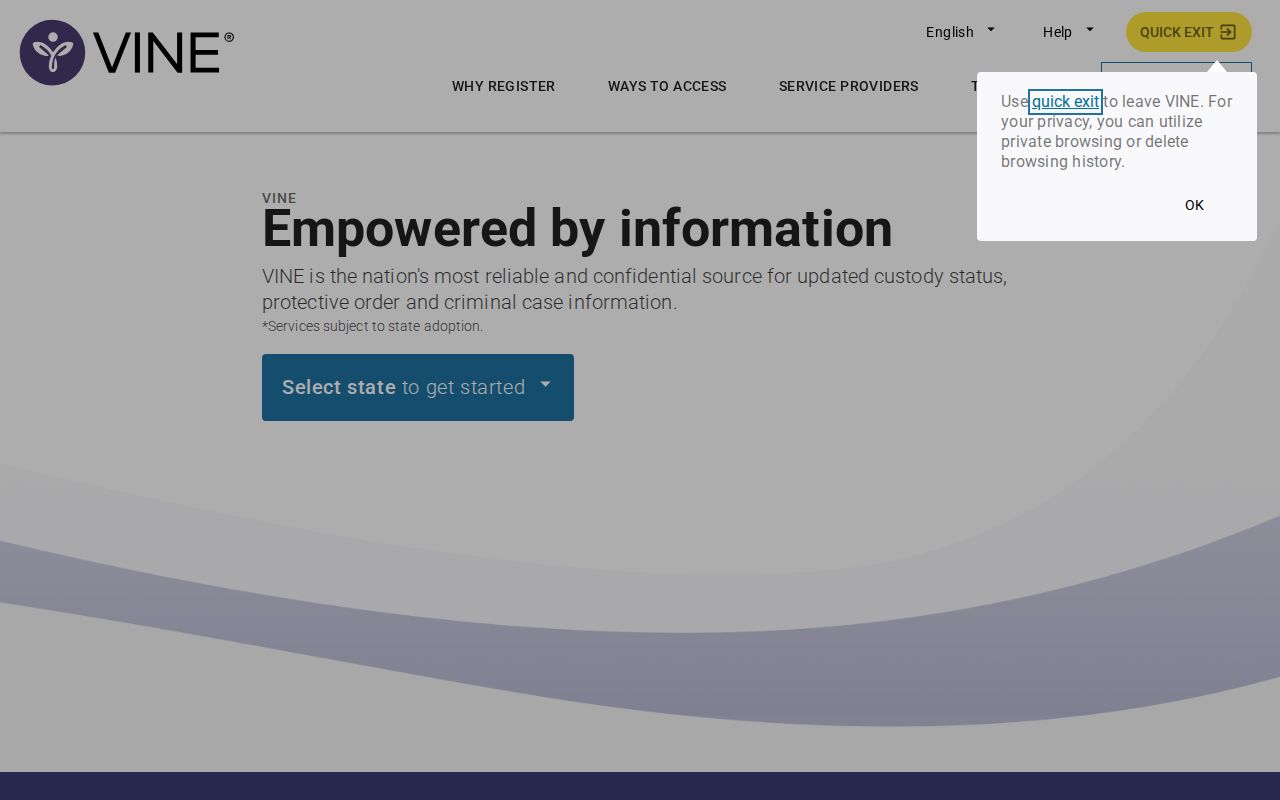
The screen shows the VINELink service itself. No Alamosa County inmate profile appears. No booking photo gallery loads there. It is a portal, not a custody roster.
Search Alamosa County VINELink
Gather enough identity detail to tell similar names apart. A middle name or a birth date makes a real difference when two people share one. Not every field is required. Because routes and controls on VINELink can change, read each screen's instructions and confirm that Colorado and the intended facility stay selected before trusting a match.
- Open VINELink and choose Colorado as the state. Use the participating county-jail or agency selection shown in the current interface.
- Look for Alamosa County Sheriff, Alamosa County Jail, or Alamosa County Detention Center among available choices. The local sources use both jail and detention-center wording.
- Enter the last name and at least a first initial. Check spelling and add identifying detail only as the interface permits.
- Compare each possible match by name, facility, and any identifier displayed. Do not choose solely because the name looks close.
- Open the matching record and read the status timestamp or update context, if shown. Note whether registration is offered.
- When no suitable result appears, call the jail rather than concluding that no Alamosa County arrest occurred.
VINELink answers custody status only. It will not hand over the full county booking record. The Alamosa County recent arrests hub fills in the rest. It explains how a jail call, a CORA request, a court record, and the DOC search each cover a different stage of an Alamosa County case.
Alamosa VINELink Result Fields
A match exists to support custody awareness and notification. The fields vary. What appears depends on the participating agency and the current interface, so no one can promise a booking photo, a charge list, a bond amount, or a court date. Read what the result actually labels, and verify urgent questions with the jail.
| Result element | How to interpret it |
|---|---|
| Name or identity | Use available details to avoid confusing people with similar names. |
| Custody status | A status supplied by the participating system, subject to entry lag and later change. |
| Facility or agency | The organization associated with the record at that time. |
| Record identifier | An additional matching detail when the participating source displays one. |
| Notification option | A route to register for qualifying custody changes when offered. |
| Status change | Release or transfer-style movement, not a court disposition. |
A released status does not erase the arrest. The booking record stays on file with the county. A transfer works differently. It can move someone beyond the county jail while the earlier county booking record remains in place.
Register for Alamosa Custody Alerts
Registration starts from the correct matching record. Pick a contact method next. Notices may arrive by telephone, email, text, or TTY, depending on what the service offers. Choose a channel you actually check, finish every confirmation step, and keep any required PIN private.
- Confirm the person and facility before selecting notifications. Registration on the wrong match can produce misleading alerts.
- Choose phone, email, text, or TTY where available. Follow the prompts for the selected method.
- Create or enter a four-digit PIN if the service requests one. Store it securely because phone notifications may use it for confirmation.
- Complete any email or text verification. An unfinished setup may not activate the alert.
- Read which events are covered, such as release or transfer, and retain the jail number for direct verification.
Colorado VINELink offers a second path. The link routes to the state site. Service URLs can shift over time. Both paths reach Alamosa County custody alerts.

The screenshot here is a navigation aid only. Screens change. VINELink updates its interface without notice. Follow whatever controls the service currently shows.
Verify Alamosa VINELink Results
VINELink is not a federal locator. The Federal Bureau of Prisons and ICE use separate systems, and the U.S. Marshals Service offers no general public inmate search. County VINE covers the time before sentencing only. Colorado runs a separate state process for victim notification after sentencing. A DOC prisoner is not a county detainee. Use the DOC offender search instead. Fresh bookings can lag. For immediate questions, follow the Daily Arrest Report phone workflow and call the jail. The county jail page publishes no online roster, update interval, photo policy, or persistence period, and VINELink cannot fill in what is missing.
The sheriff's office lists no jail app. The official ACSO page links to Facebook instead. A social post is news, not notification. Skip unverified app-store listings too; they are no substitute for VINE or a call to the jail.
Notification timing depends on the data each source supplies. VINE cannot report a change before the participating agency records and transmits it. A phone alert can also lag through carrier delays or an unanswered call. Keep contact details current, treat a missing notice as proof of nothing, and confirm directly with the jail when a release or transfer affects immediate plans.
Alamosa Custody Systems Compared
Each public channel answers a different question about time. Where is this person in the process? That is the question to ask before choosing a system. Sorting by custody stage keeps a released county detainee from being mistaken for a DOC prisoner, and keeps a federal arrestee from being assumed to still sit in Alamosa County.
| Question | Best starting source | Main limit |
|---|---|---|
| Held in county jail now? | Alamosa County Jail, 719-589-6608 | Current status, not a full history |
| Notify me of a change? | Colorado VINELink if Alamosa participates | Participation and data timing must be verified |
| What was booked? | County CORA request | Subject to retention and disclosure limits |
| What did court decide? | Alamosa County Combined Court or municipal court | Not a custody alert |
| Now in state prison? | Colorado DOC Offender Search | Not a recent county booking feed |
A county records request works best when it is specific. Say exactly what you want, too. Name the arrested person and give a narrow date range. State the agency you believe handled the booking. The booking sheet, custody or release details, and any photograph should each be requested as separate items. The custodian can then tell you whether each one exists and can be released.
The Alamosa County jail runs on a telephone workflow. Its page displays no public result card. So VINELink is not a mirror of a local roster. Treat it as a separate alert service. Its availability in this county has to be tested firsthand. The Colorado DOC profile covers state custody after sentencing or a similar placement. It says nothing about a fresh Alamosa County arrest.
A federal or immigration transfer breaks the county-only assumption. BOP and ICE each run their own locator. USMS prisoner details move through different channels entirely. Start with the agency named on the arrest report and confirm where the person went. Geography alone cannot tell you who holds him now.
VINELink Status Is Not Guilt
A VINELink result answers one narrow question. It shows where the person is held, or whether a status change was reported. It says nothing about the charge itself. Booking information can shift as a case moves. The court file is the place to track that. What matters here is custody.
Identity mix-ups are common. Similar names, alternate spellings, and transfers between agencies all create ambiguity. Match more than one displayed detail before trusting a hit. When a record needs correcting, go to the office that created it.
Note: A VINE alert should prompt official verification; it does not replace release paperwork, court orders, or direct jail confirmation.
A status can look wrong. Note the time and the exact wording, but do not republish personal details. Then call the jail for the current situation and ask which office controls the source record. VINELink staff can explain how the service works. They cannot fix the data behind it. The agency that reported the event is the right place to verify an actual release or transfer, and the court handles anything about the legal outcome.
Keep the confirmation date with any note you save. Custody shifts fast. A result that fit the morning may not describe the person's location after release, transport, or a court appearance.